Creating a home office that feels both cozy and productive can be a game-changer for your work-from-home routine. Whether you’re freelancing, running a small business, or simply need a dedicated space for occasional tasks, a well-designed home office supports focus and comfort. Below are practical tips to help you set up a workspace that invites productivity and a sense of calm.
Choose the Right Location
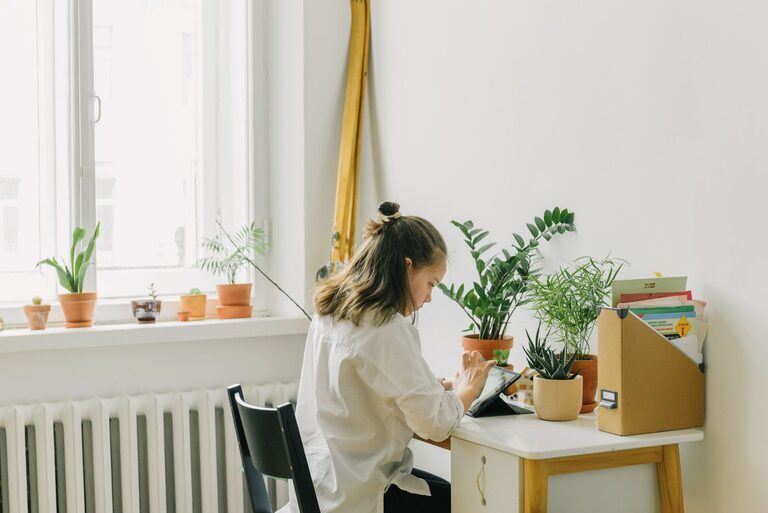
Selecting the ideal spot in your home is the first step. Look for a quiet area with minimal distractions where you can focus. If possible, pick a room with natural light—it helps reduce eye strain and lifts your mood. A corner in a spare room, a nook near a window, or even a section of your living room can work well.
Invest in Quality Furniture
Ergonomic Chair
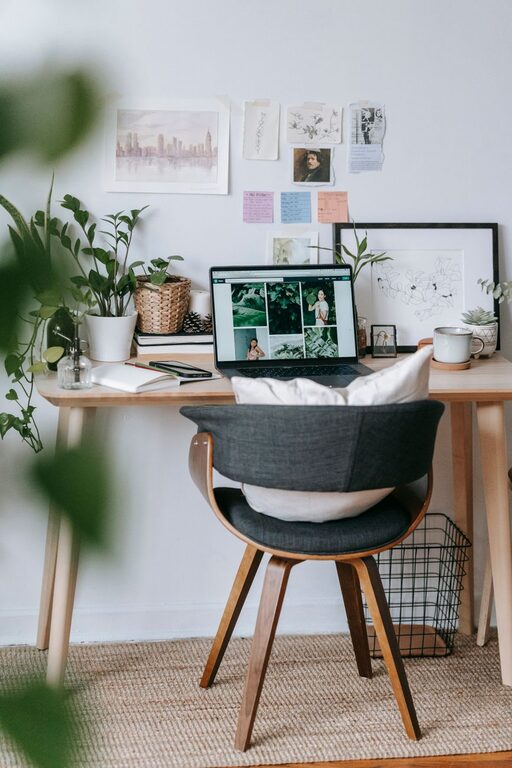
Comfort starts with a supportive chair. An ergonomic office chair promotes good posture, reducing the risk of back pain during long work sessions. Look for adjustable features like seat height, lumbar support, and armrests.
Desk Selection
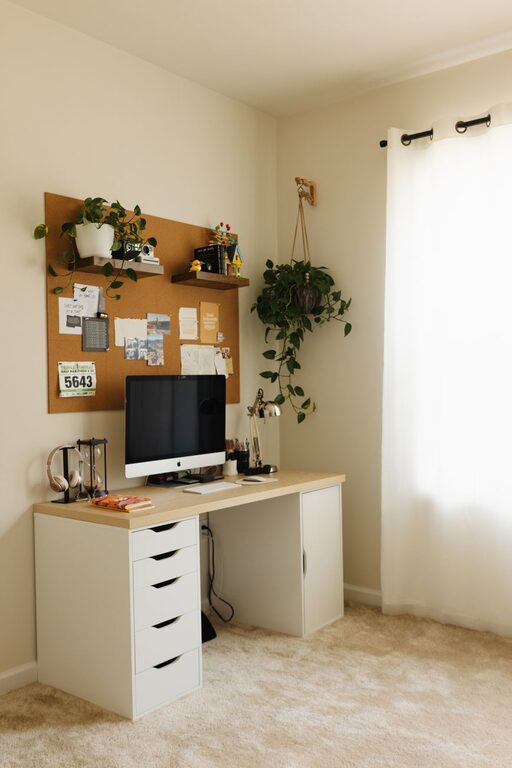
Choose a desk that fits your space and work style. If you use multiple monitors or need extra surface area, a larger desk might be necessary. For smaller spaces, wall-mounted desks or foldable options can save room.
Optimize Lighting
Good lighting is essential for productivity and comfort.
– Natural Light: Position your desk near a window if possible to take advantage of daylight.
– Task Lighting: Use a desk lamp with adjustable brightness to prevent eye strain.
– Ambient Lighting: Soft overhead lighting can reduce harsh contrasts and create a balanced atmosphere.
Organize with Purpose
Clutter can distract and stress you out. Keep your home office tidy by organizing supplies and documents efficiently.
Storage Solutions
– Use shelves, filing cabinets, or storage boxes to keep items off your desk.
– Drawer organizers help keep small items like pens and paperclips neat.
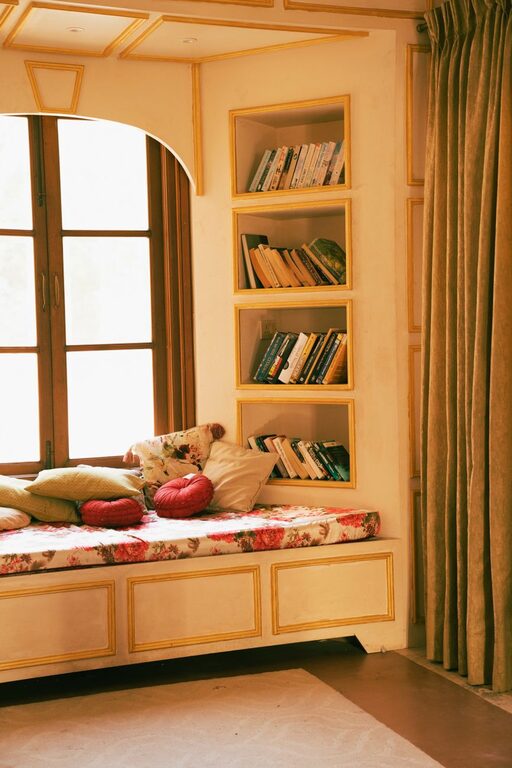
– Vertical storage maximizes space without crowding your work surface.
Cable Management
Messy cables create visual clutter and can cause frustration. Use cable clips, sleeves, or trays to keep cords organized and out of sight.
Personalize Your Space
Adding personal touches can make your office feel inviting.
– Display artwork or photos that inspire you.
– Add a favorite plant for a touch of greenery and improved air quality.
– Choose colors and decor that create a calming environment, such as soft neutrals or pastel tones.
Create a Routine-Friendly Environment
Design your space to support your work habits.
– Separate Zones: If space allows, designate areas for different tasks such as computer work, reading, or brainstorming.
– Whiteboard or Bulletin Board: Use these to track to-do lists, deadlines, and ideas visually.
– Clock: Keeping a clock nearby can help you manage time effectively.
Control Noise Levels
Noise can interfere with concentration. Depending on your living situation, consider:
– Noise-canceling headphones to block distractions.
– White noise machines or apps to create a steady background sound.
– Soft furnishings such as rugs or curtains to absorb sound and reduce echo.
Maintain Good Air Quality and Temperature
Poor air quality or uncomfortable temperature can impact your focus.
– Open windows for fresh air when possible.
– Use fans or heaters to keep the temperature comfortable.
– Plants also contribute to fresher air and a pleasant environment.
Keep Technology Up to Date
Reliable technology ensures smoother workflow.
– Invest in a fast internet connection.
– Use updated hardware and software to avoid slowdowns.
– Back up your work regularly using cloud storage or external drives.
Take Breaks and Move
Even the best setup won’t help if you stay glued to your chair.
– Use reminders to stand up and stretch every hour.
– Incorporate simple exercises or short walks to maintain energy.
– Ensure your office has enough space for moving around comfortably.
—
Final Thoughts
Designing a home office space that balances coziness and productivity takes some thought but is well worth the effort. By paying attention to location, comfort, organization, and personalization, you can create a working environment that supports your professional goals while making each day enjoyable.
Remember, your home office should work for you—adjust and tweak your setup as needed to find the perfect balance. Happy working!
About the Author