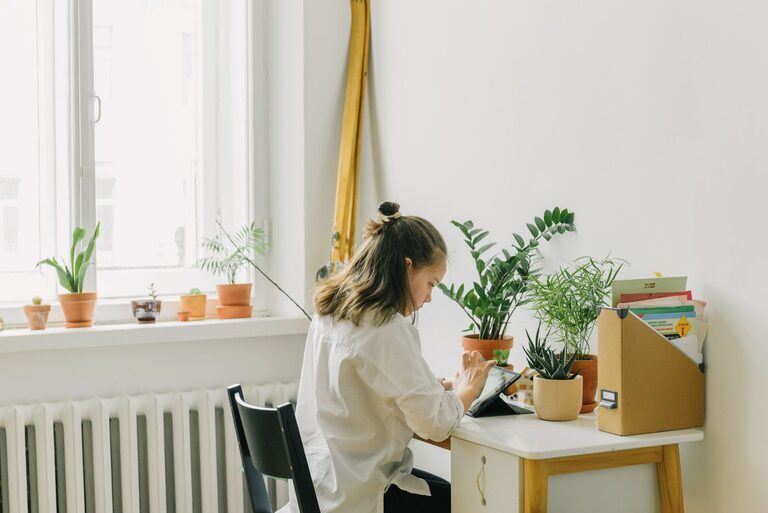
Creating a productive home office environment is essential for maximizing focus, efficiency, and overall job satisfaction when working remotely. Whether you’ve recently transitioned to working from home or are looking to improve your current setup, small changes can make a big difference. In this post, we’ll explore practical tips to help you design a workspace that supports your productivity while maintaining comfort and minimizing distractions.
Why a Dedicated Home Office Matters
Having a dedicated workspace signals to your brain that it’s time to work, helping to separate your professional and personal lives. It also allows you to organize tools and resources needed for your tasks, leading to better focus and reduced stress.
Even if space is limited, carving out a specific area—even a corner or a small desk—can significantly improve your work routine.
Choosing the Right Location
Consider Natural Light
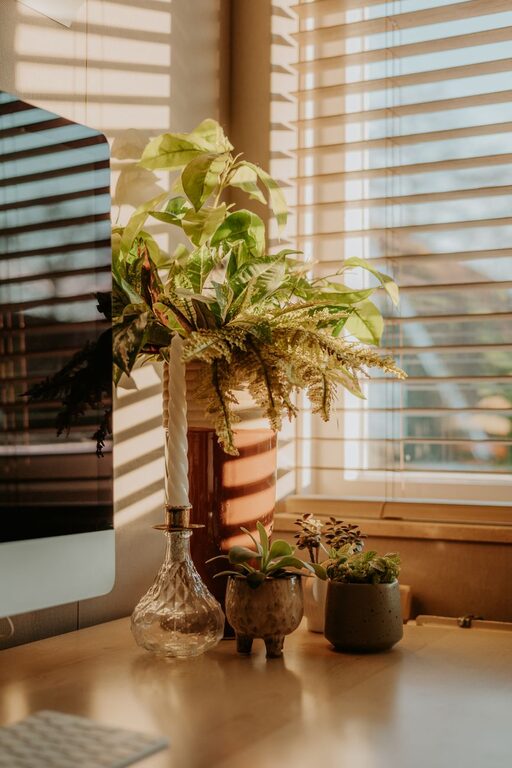
Select a spot near a window if possible. Natural light boosts mood and energy levels, reducing eye strain. However, avoid glare on your computer screen by positioning your desk perpendicular to the window.
Minimize Noise and Distractions
Choose a quiet area away from household traffic or noisy appliances. If that’s not possible, consider noise-cancelling headphones or soundproofing solutions like rugs and curtains.
Invest in Ergonomic Furniture
Comfort is key to staying productive over long hours. Invest in:
– Ergonomic chair: Supports your back and promotes good posture.
– Adjustable desk: Enables both sitting and standing positions throughout the day.
– Proper desk height: Keeps wrists straight and elbows near 90 degrees.
Adjust your monitor height so the top of your screen is at eye level to avoid neck strain.
Organize and Declutter Your Space
Keep Essentials Within Reach
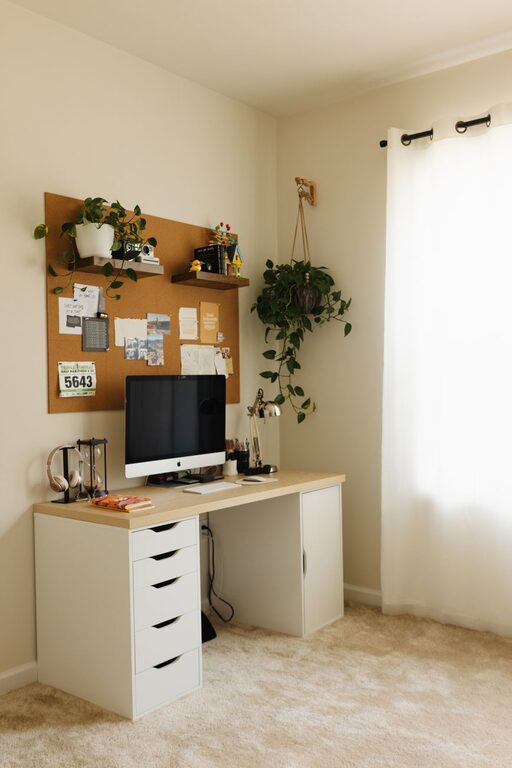
Use desk organizers, trays, and shelves to keep frequently used items nearby. Having everything at hand reduces interruptions and lost time.
Declutter Regularly
A tidy environment promotes a clear mind. Set aside a few minutes at the end of each day to tidy your desk and file or discard unnecessary papers.
Use Technology to Your Advantage
– Reliable internet: Ensure your connection is stable and fast.
– Quality equipment: Invest in a good headset, webcam, and keyboard.
– Productivity software: Utilize apps for task management, timers, and note-taking to stay on track.
Personalize Your Workspace
Adding personal touches like plants, artwork, or photos can make your office more inviting and motivating. Plants, in particular, have been shown to improve air quality and reduce stress.
Manage Lighting for Comfort
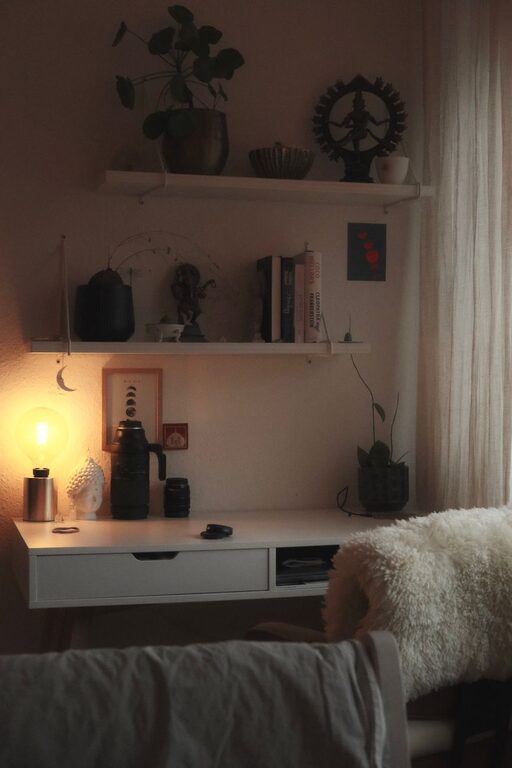
In addition to natural light, use adjustable task lighting. A desk lamp with warm light can reduce eye fatigue and create a cozy atmosphere during darker hours.
Establish Boundaries and Routine
– Set work hours: Define clear start and end times.
– Communicate boundaries: Let family or roommates know your schedule to reduce interruptions.
– Take breaks: Step away from your desk regularly to stretch and refresh your mind.
Using a timer or app can help remind you to take breaks to maintain productivity.
Final Thoughts
A productive home office is a balance between functionality, comfort, and personal style. By carefully selecting your workspace location, investing in ergonomic furniture, organizing your environment, and establishing healthy boundaries, you create an atmosphere where you can focus and thrive. Start with small changes and adjust as needed to find what works best for you.
With these tips, your home office can become a place where productivity meets well-being, making work-from-home days more enjoyable and efficient.
About the Author